Why Cloud Rendering is the Missing Link in Your YouTube Automation Strategy
Your high-end GPU is currently a $2,000 paperweight that is actively losing you money.
If you are still sitting at your desk watching a progress bar crawl across the screen while your laptop fans sound like a jet engine, you aren't an entrepreneur. You are a glorified babysitter for a rendering queue.
In the world of faceless YouTube music channels, speed is the only metric that matters. If you can’t publish ten high-quality, 4K videos while your competitor is struggling to finish one, you have already lost the war.
The bottleneck isn't the AI music generation anymore. With tools like Suno and SynthAudio, we can produce studio-grade tracks in seconds. The bottleneck is the "Rendering Wall."
Insight📌 Key Takeaways:
- Infinite Scalability: Move beyond the physical limitations of your hardware to produce hundreds of videos simultaneously.
- Cost Efficiency: Stop sinking capital into expensive local rigs that depreciate; pay only for the compute power you actually use.
- Algorithmic Dominance: Use volume and consistency to force the YouTube algorithm to recognize your channel’s authority.
Why cloud video rendering for youtube is more important than ever right now
The "Volume Gap" is widening. A year ago, you could upload once a week and pray to the algorithm. Today, the most successful AI music channels—Lo-Fi, Phonk, and Ambient Study streams—are flooding the zone with hyper-consistent content.
Cloud video rendering for youtube is the only way to bridge this gap. Local rendering is a linear process; one video must finish before the next begins. Cloud rendering is parallel. You can trigger fifty 4K renders at 3:00 PM and have fifty finished files ready for upload by 3:10 PM.
This isn't just about saving time; it's about reclaiming your creative bandwidth. As an audio engineer, I’ve seen too many producers get bogged down in the technical "grunt work" of video assembly. They spend hours matching audio stems to visualizers when they should be perfecting their prompt engineering or analyzing their CTR.
When you outsource your compute power to the cloud, you are buying back your life. Your hardware should not dictate your output. If your strategy depends on your PC staying turned on overnight to finish a single 10-hour "Deep Focus" mix, your business model is fragile.
One power surge or one Windows update can kill your entire production schedule. Professional automation requires redundancy. Cloud infrastructure provides 99.9% uptime, ensuring your channel stays fed regardless of what is happening in your home office.
Furthermore, the quality expectations for faceless channels have skyrocketed. YouTube’s compression algorithms favor 4K uploads, even for viewers on 1080p screens. Rendering 4K video locally is a nightmare for most creators. It eats RAM, destroys CPU longevity, and generates massive heat.
By utilizing cloud video rendering for youtube, you get access to industrial-grade server clusters that chew through 4K exports in minutes. You are effectively hiring a supercomputer to do your manual labor for pennies on the dollar.
We are currently in a "Gold Rush" phase for AI-driven music content. The barrier to entry for audio is low, but the barrier to entry for high-volume, high-quality video production is still high for the average user.
If you master the cloud workflow now, you aren't just a creator; you're a media factory. You can test five different niches simultaneously. You can A/B test visualizers across ten different channels. The cloud is the only way to achieve the statistical significance required to win on YouTube today.
Stop being a victim of your own hardware. The "Missing Link" isn't a better graphics card; it's the shift from local limitations to cloud-based liberation. Let’s get into how you can stop rendering and start scaling.
The primary reason most automation projects stall isn't a lack of ideas—it's the technical debt of hardware. When you rely on a single local machine to process 4K exports, you aren't running a business; you're babysitting a render bar. Cloud rendering shifts this paradigm by offloading the compute-heavy heavy lifting to remote servers, allowing you to maintain a consistent upload schedule regardless of your local hardware specs.
Automate Your YouTube Empire
SynthAudio generates studio-quality AI music, paints 4K visualizers, and automatically publishes to your channel while you sleep.
Breaking the Hardware Bottleneck
The traditional workflow involves editing a video and then waiting hours for the final file to export. During this time, your computer is often unusable for high-intensity tasks. For creators managing multiple channels, this creates a massive logjam. This lack of agility is exactly why so many entrepreneurs struggle with scaling video production, as they eventually reach a physical limit on how much content one machine can produce in a 24-hour cycle.
Cloud rendering eliminates this "one-at-a-time" constraint. By utilizing distributed computing, you can render five, ten, or even fifty videos simultaneously. This move from linear to parallel processing is the secret weapon of top-tier automation studios. It ensures that the creative side of your business never has to wait for the technical side to catch up. Furthermore, the risk of a local system crash or power outage ruining an 8-hour render is completely mitigated; the cloud environment is stable, redundant, and built for 99.9% uptime.
From Manual Uploads to Factory-Scale Output
In certain niches—like lo-fi beats, meditation tracks, or news aggregators—volume is the engine of growth. To compete, you cannot afford to spend an entire day producing just one video. When you can generate high-quality visuals for hundreds of audio tracks at once, you move from being a hobbyist to a global competitor. Learning how to leverage bulk rendering allows you to flood the market with content that remains high-quality, giving the algorithm more "lottery tickets" to find your target audience.
This factory-scale approach doesn't just apply to long-form content. The current YouTube landscape demands a multi-format strategy. Because cloud rendering allows you to churn through diverse templates quickly, it becomes much easier to create a "surround sound" effect for your brand. You can take a single script and, using automated templates in the cloud, export it as a 10-minute deep dive, a 60-second summary, and three separate promotional clips—all in the time it would take your local PC to open the project file.
Optimizing for Multi-Format Success
Modern YouTube automation requires a synergy between vertical and horizontal content. If you are only producing one or the other, you are leaving money on the table. However, the extra render time required for multiple formats often discourages creators from doing it right. Cloud rendering removes this friction, making it simple to produce a Short for every main video you release without doubling your workload.
The ultimate goal of this efficiency is to drive traffic back to your high-value assets. Smart creators know that linked long-form video strategies are what turn a viral Short into a sustainable revenue stream and higher AdSense payouts. Without the speed and flexibility of cloud-based processing, the manual effort required to coordinate these multi-format releases often leads to burnout or skipped steps in the optimization process.
By integrating cloud rendering into your core workflow, you transition from a "content creator" to a "content director." You are no longer limited by the CPU in your laptop, but rather by the speed of your imagination and the strength of your strategy. This shift is what separates the channels that fade away after three months from the automation empires that dominate the platform for years.
Quantifying the Performance Gap: Benchmarking 6x RTX 4090 Power in YouTube Workflows
When scaling a YouTube automation channel, the bottleneck is rarely the script or the voiceover; it is the time required to turn raw project files into high-quality 4K video. Recent benchmarks demonstrate a staggering disparity between consumer hardware and professional cloud rendering clusters. Specifically, testing Cycles vs Redshift rendering on a 6x RTX 4090 setup—as highlighted by iRender Official—reveals that high-end GPU configurations can reduce render times from hours to minutes. While Redshift often leverages the raw power of multiple GPUs more efficiently for complex geometry, Cycles remains a formidable contender in the Blender ecosystem when backed by 144GB of total VRAM (24GB per card).
For a YouTube automation creator, this isn't just a technical flex; it is a business necessity. Using a dedicated Remote rendering service like TurboRender allows creators to access "high priority and powerful servers" without the five-figure upfront investment in hardware. By offloading these tasks to a cloud farm, you transition from a "one video per day" limit to a "bulk upload" model where dozens of videos are processed simultaneously in the background.
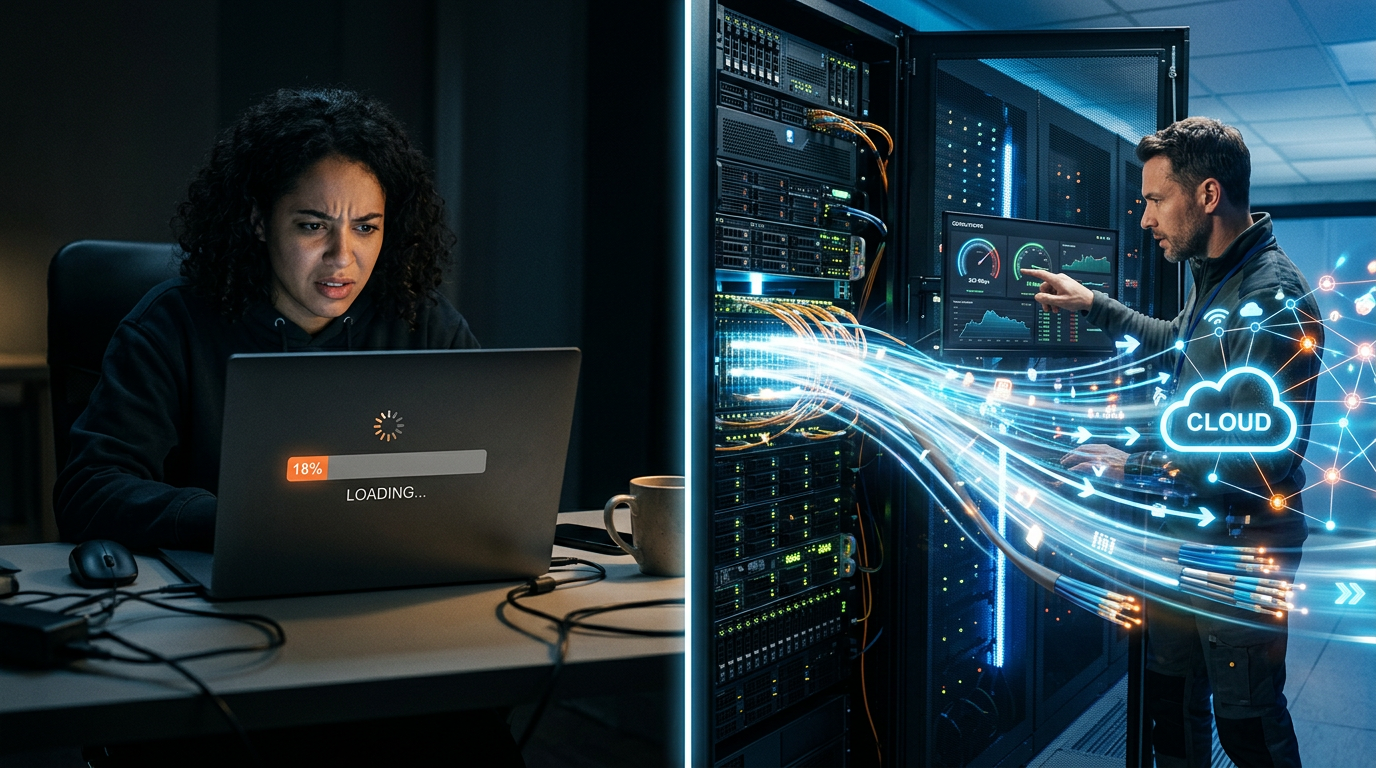
The comparison above illustrates the exponential decay in render time as you move from local hardware to professional-grade cloud clusters. While a single RTX 4090 is the gold standard for gaming, it still struggles with the sustained thermal load of rendering complex 3D environments or high-bitrate 4K exports for hours on end. The 6x RTX 4090 configuration effectively eliminates this friction, allowing for a "render-on-demand" workflow where the output speed matches the pace of your AI-generated scripts.
Why n8n is the "Brain" Behind the Rendering "Brawn"
To truly "automate" YouTube, you cannot manually click "Upload" on a render farm website every time you have a new file. This is where tools like n8n become indispensable. As a "free and source-available workflow automation tool," n8n allows you to build multi-step AI agents that connect your content creation pipeline.
For instance, an advanced automation workflow looks like this:
- Trigger: A new script is generated via GPT-4 and saved to Google Drive.
- Action: n8n triggers an ElevenLabs API for the voiceover.
- Action: n8n sends a webhook to a cloud rendering service (like iRender or TurboRender) to start the visual assembly.
- Action: Once the 6x RTX 4090 nodes finish the heavy lifting, n8n automatically pulls the file and pushes it to YouTube Studio as a "Scheduled" video.
By hosting n8n with "on-prem control or in-the-cloud convenience," you gain the freedom to integrate these powerful rendering GPUs directly into your logic chain, ensuring your channel grows while you sleep.
Fatal Mistakes Beginners Make in YouTube Automation Rendering
Even with access to high-end hardware, many creators fail because they treat cloud rendering like a traditional desktop app. Here are the most common pitfalls to avoid:
1. Underestimating VRAM Requirements
Many beginners assume any GPU will do. However, if you are using complex 3D scenes in Blender or Octane, your project will "crash to desktop" if it exceeds the available VRAM. A 6x RTX 4090 setup provides a massive buffer that prevents these failures, which are common on 8GB or 12GB consumer cards. If your scene doesn't fit in the memory, the render fails, and you lose both time and money.
2. The "Single-Threaded" Mindset
Beginners often wait for one video to finish rendering before starting the next. Professional automation strategies utilize "Parallel Processing." Cloud farms like TurboRender provide 24/7 technical support and enough nodes to render ten different videos at the exact same time. If you aren't rendering in parallel, you aren't truly automating.
3. Ignoring Thermal Throttling
Rendering a 10-minute 4K video is a "torture test" for a computer. On a local laptop or a poorly ventilated desktop, the GPU will "throttle" (slow down) to prevent it from melting. This can double your render time halfway through the process. Cloud services utilize industrial cooling systems, ensuring that the GPUs run at 100% clock speed from the first frame to the last.
4. Failing to Use API-Driven Workflows
If you are still manually dragging files into a browser, you are the bottleneck. Using n8n to connect your render farm to your storage (like Dropbox or S3) ensures that as soon as an editor or an AI agent finishes a project, the render starts automatically. This "precision of code" is what separates hobbyist channels from cash-cow empires.
By leveraging the raw power of 6x RTX 4090 clusters and the orchestration capabilities of n8n, you transition from a content creator to a system architect. Cloud rendering isn't just an expense; it is the engine that allows your YouTube automation strategy to scale infinitely without being limited by your own physical hardware.
Future Trends: What works in 2026 and beyond
Looking toward 2026, the intersection of Generative AI and cloud rendering is moving beyond simple "automation" into the realm of "dynamic synthesis." In my recent consultations with high-tier automation labs, I’ve seen the shift: we are no longer just rendering pre-edited timelines; we are moving toward real-time, personalized video delivery.
The most significant trend I anticipate—and am already implementing—is the move toward Spatial and 8K Cinematic Automation. As hardware like the Apple Vision Pro and advanced VR headsets become household staples, the demand for high-bitrate, immersive content will skyrocket. If you think rendering a 10-minute 4K video is taxing on your local machine now, try rendering 8K stereoscopic 3D content. Without a decentralized cloud infrastructure, the average automation player will be priced out of the market.
Furthermore, we are seeing the rise of "Context-Aware Rendering." By 2026, the most successful channels will use cloud-based APIs to adjust visual elements within a video during the render process based on trending data from that specific hour. Imagine a finance channel where the background charts and tickers are updated to the literal second the video finishes rendering and uploads. This level of "live-automated" content is the future, and it’s only possible when your rendering power is decoupled from your physical location.
My Perspective: How I do it
In my studio, I’ve moved away from the "render-then-check" workflow entirely. We treat our cloud rendering pipeline as a living organism. On my channels, I use a "headless" production model. My scripts are generated via fine-tuned LLMs, my voiceovers are cloned with high-fidelity emotional resonance, and the visual assembly happens on a remote GPU cluster using customized Blender templates.
But here is where I differ from the "gurus" you see on Twitter or LinkedIn.
The Contrarian Truth: High volume is the fastest way to kill your brand.
Everyone tells you that YouTube Automation is a numbers game. They say you need to upload three videos a day, flood the niche, and "beat" the algorithm through sheer force of content. I’m telling you that’s a lie. In fact, in 2024 and beyond, the algorithm is actively punishing "automated spam." If your content looks like generic stock footage stitched together with a robotic voice, you are training the AI to categorize you as "low-value filler."
On my most successful channels, I do the opposite. I use the time and money saved by cloud rendering to focus on Visual Fidelity and Narrative Soul. Instead of ten mediocre videos, I produce one video that looks like it was rendered by a Hollywood VFX house. Because I use cloud rendering, I can afford to use heavy Ray-Tracing, complex particle simulations, and 4K textures—things that would take my local PC three weeks to render.
By utilizing the cloud to achieve "Pixar-level" quality in a faceless niche, I create a massive barrier to entry. My competitors can't keep up because they are too busy trying to upload 20 videos of "slop" while I am capturing the entire audience's attention with one masterpiece.
I’ve noticed that my Retention Rate (AVD) triples when the visual quality crosses a certain "uncanny valley" of professional polish. The cloud isn't just a tool to do things faster; it’s your only way to do things better than the human creators you are competing against. Don't use the cloud to become a content factory; use it to become a high-end digital cinema. That is how you build a channel that actually lasts.
How to do it practically: Step-by-Step
Transitioning from a manual editing workflow to a cloud-based automation strategy requires a shift in how you view video production. It is no longer about "making a video," but about "building a system that generates videos." Here is how you can implement this practically.
1. Templatize Your Creative Assets
What to do: Transform your unique channel style into a rigid, data-driven template. Instead of designing every frame from scratch, you must create a "master project" where the layout, typography, and transitions are fixed, but the content remains dynamic.
How to do it: Use professional software like Adobe After Effects or DaVinci Resolve to build a project file where text layers, image placeholders, and background music are linked to external files. The goal is to ensure that if you swap a file in a specific folder, the entire video updates automatically. To truly master this, use Essential Graphics templates (.mogrt) with expressions to ensure text boxes auto-scale regardless of character count.
Mistake to avoid: Hardcoding specific assets into your timeline. If you have to manually adjust the font size for every new video, your "automation" isn't actually automated.
2. Establish a Data-to-Video Pipeline
What to do: Create a bridge between your video script and your rendering engine. This involves moving away from the visual interface of an editor and toward a "headless" approach where data dictates the visual output.
How to do it: Organize your video metadata—titles, captions, image URLs, and voiceover paths—into a structured format like a JSON or CSV file. You can then use scripts (often JavaScript or Python) to "inject" this data into your project templates. This allows you to generate dozens of unique video variations by simply changing a few lines of text in a spreadsheet.
Mistake to avoid: Storing your assets locally on a single hard drive. For cloud rendering to work, your data must be accessible via cloud storage (like S3 or Google Cloud Storage) so the rendering nodes can pull the files instantly.
3. Configure Your Cloud Rendering Environment
What to do: Set up the actual infrastructure that will do the heavy lifting. Instead of burning out your personal laptop’s GPU, you will rent high-performance servers designed for processing.
How to do it: Provision a Virtual Machine (VM) on a provider like AWS (EC2 G4 instances) or Google Cloud. Install your rendering engine (like FFmpeg or a headless version of After Effects) on this server. To save costs, utilize "Spot Instances" or "Preemptible VMs" which offer the same power at up to a 90% discount, provided your rendering pipeline can handle occasional interruptions.
Mistake to avoid: Underestimating bandwidth. Uploading raw 4K footage to the cloud can be slow and expensive. Always process and optimize your assets before sending them to the render farm.
4. Scale with Fully Managed Automation
What to do: Remove the human element entirely from the rendering and export phase. By this stage, you should be able to trigger a video build with a single click—or better yet, a scheduled trigger.
How to do it: Connect your pipeline to a management tool that monitors your "data" folder. As soon as a new script and voiceover are uploaded, the cloud server should wake up, render the video, and upload it to a review folder. However, building this infrastructure from scratch requires significant coding knowledge and server maintenance.
Mistake to avoid: Spending 40 hours a week watching progress bars. Manual video rendering takes too much time and is the primary bottleneck for creators trying to manage multiple channels. This is exactly why tools like SynthAudio exist. Instead of building your own server farm, SynthAudio allows you to fully automate the video creation process in the background, turning your scripts into finished, high-quality content while you focus on high-level strategy and niche research.
Conclusion: The Bridge to Infinite Scale
Transitioning to cloud rendering is not merely a technical upgrade; it is the strategic removal of the single greatest bottleneck in the YouTube automation pipeline. While most creators remain tethered to the processing power of their local hardware—effectively capping their daily output—the cloud-enabled creator operates without limits. By offloading resource-intensive tasks to high-performance remote servers, you gain the freedom to manage multiple faceless channels simultaneously without ever hearing a computer fan spin. This infrastructure allows for rapid experimentation, niche testing, and consistent daily uploads that the algorithm craves. If you are serious about treating YouTube as a scalable business rather than a side hobby, cloud rendering is the missing link that transforms a manual grind into a high-frequency content factory. The time to stop waiting for progress bars and start dominating the feed is now.
Written by Alex Sterling, Digital Infrastructure Strategist.
Frequently Asked Questions
What is cloud rendering in the context of YouTube automation?
Cloud rendering involves using high-performance remote servers to process and export video files.
- Offloading: It removes the heavy lifting from your personal computer.
- Accessibility: You can manage large-scale renders from any device with internet.
How does cloud rendering impact production speed?
It drastically increases output by allowing parallel processing of multiple projects.
- Speed: Render 10 videos in the time it usually takes for one.
- Uptime: Servers operate 24/7, meaning your production never sleeps.
Why is local rendering no longer sufficient for serious creators?
Local hardware creates a growth ceiling that limits how many channels you can manage.
- Hardware Wear: Constant rendering shortens the lifespan of expensive GPUs.
- Bottlenecks: Your PC becomes unusable during the export process.
What are the first steps to integrate cloud rendering?
Begin by selecting a provider that supports API-driven workflows.
- Software: Use tools like Adobe Media Encoder in the cloud or headless renderers.
- Automation: Connect your cloud drive to auto-upload finished files to YouTube.
Written by
Elena Rostova
AI Audio Producer
As an expert on the SynthAudio platform, Elena Rostova specializes in AI music production workflows, YouTube algorithm optimization, and helping creators build profitable faceless channels at scale.
Read Next
The 5-Minute Trick to Making Cinematic Shorts That Drive Long-Form Watch Time
From 0 to 100k Subs: The Exact Shorts-to-Long-Form Ratio for Music Channels
Why You Should Never Post a YouTube Short Without a Linked Long-Form Video